Introducing Newen: a native desktop app that runs Claude Code, Codex, OpenCode and Hermes side by side, with a record of everything they change.
Newen is for people who already use these CLIs and want to run more than one at a time. Each session is the real CLI, signed in with its own login. Newen gives it a window: permissions you answer in the conversation, the files and commands of every request, a terminal, and a browser the agent can drive.
It is written in Rust with limn, and it is built and tested on Linux. A first Windows build ships with every release.
A session starts from a folder, an agent and a mode. From there, five things happen in the same window, from the first prompt to a change you have reviewed.
(1)
Pick an agent
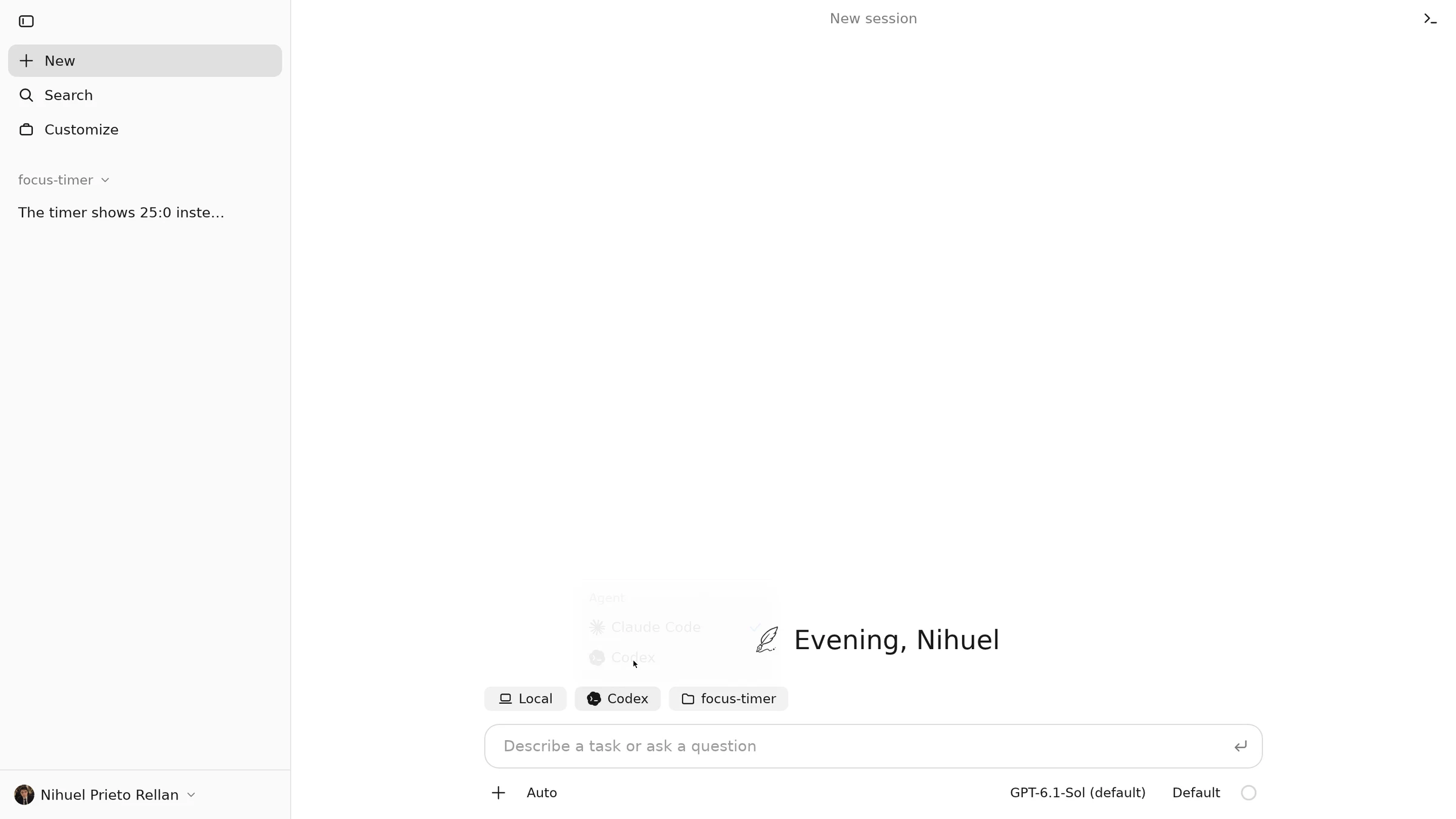
Choose a folder, an agent CLI, a model and a permission mode, and start the session.
(2)
Watch it work
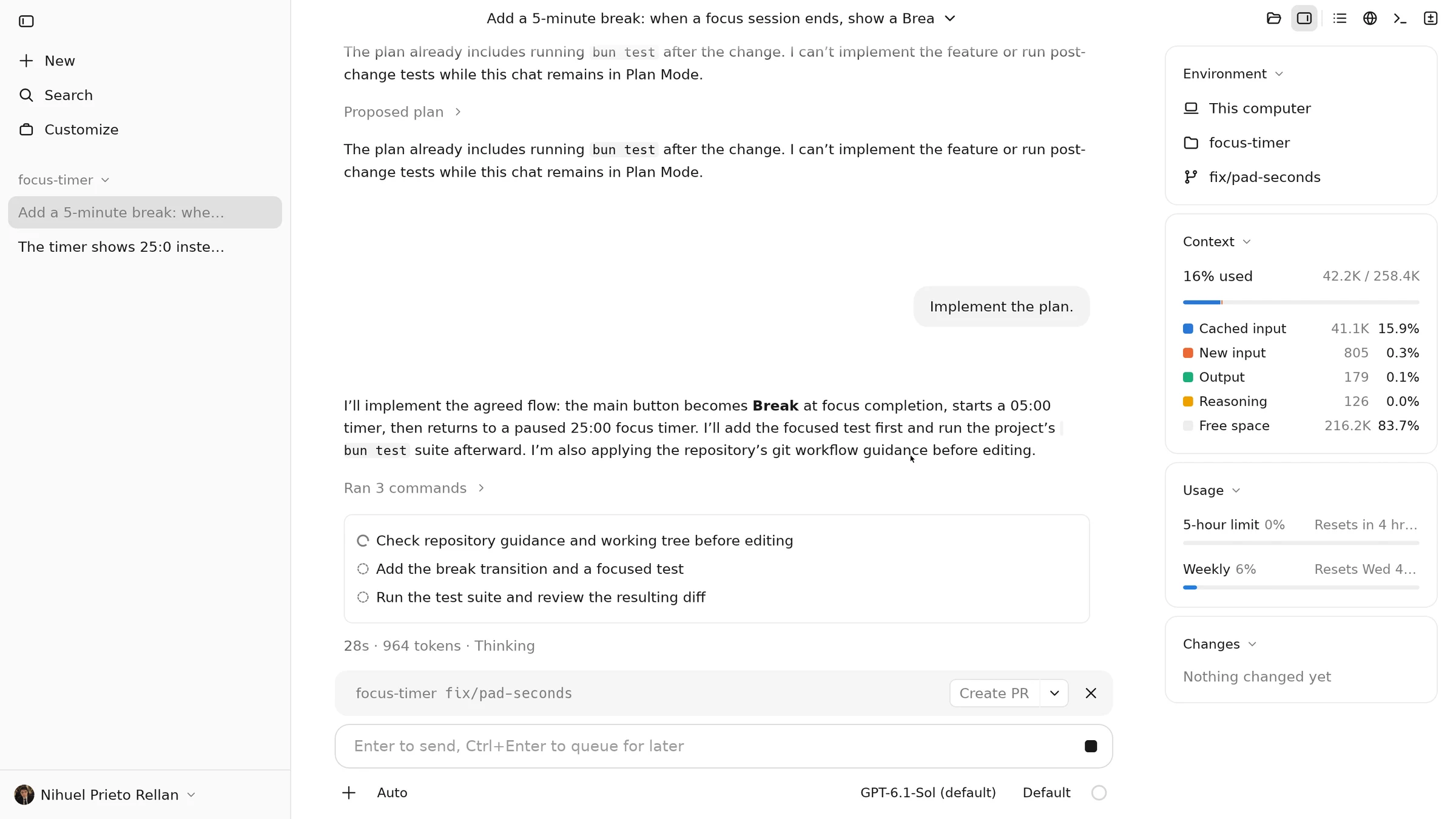
Answers stream in. Every tool shows as a row, and the agent keeps its task list in view.
(3)
Approve inline
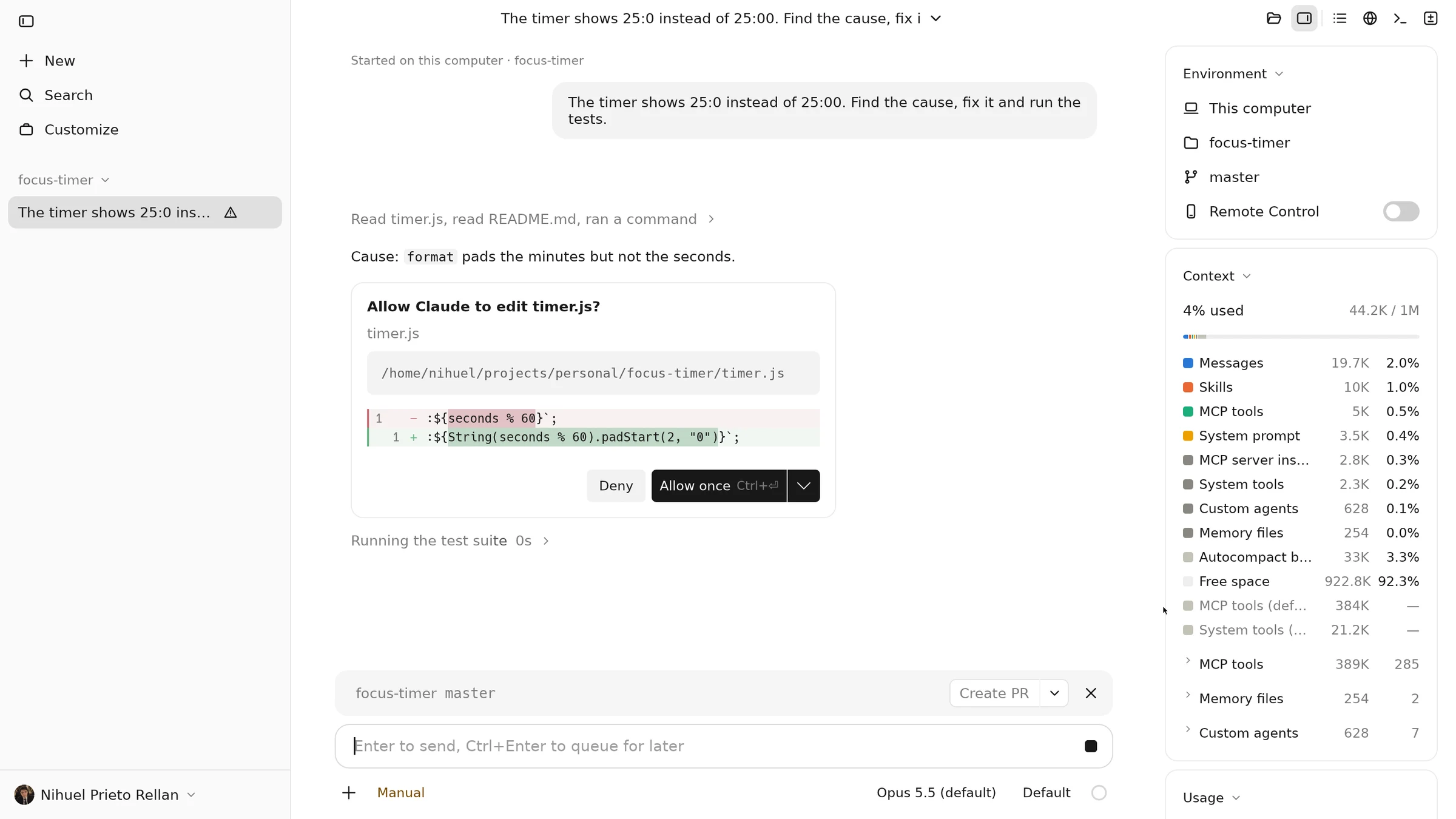
When the agent wants to change something, the card waits in the conversation and the session is marked in the sidebar.
(4)
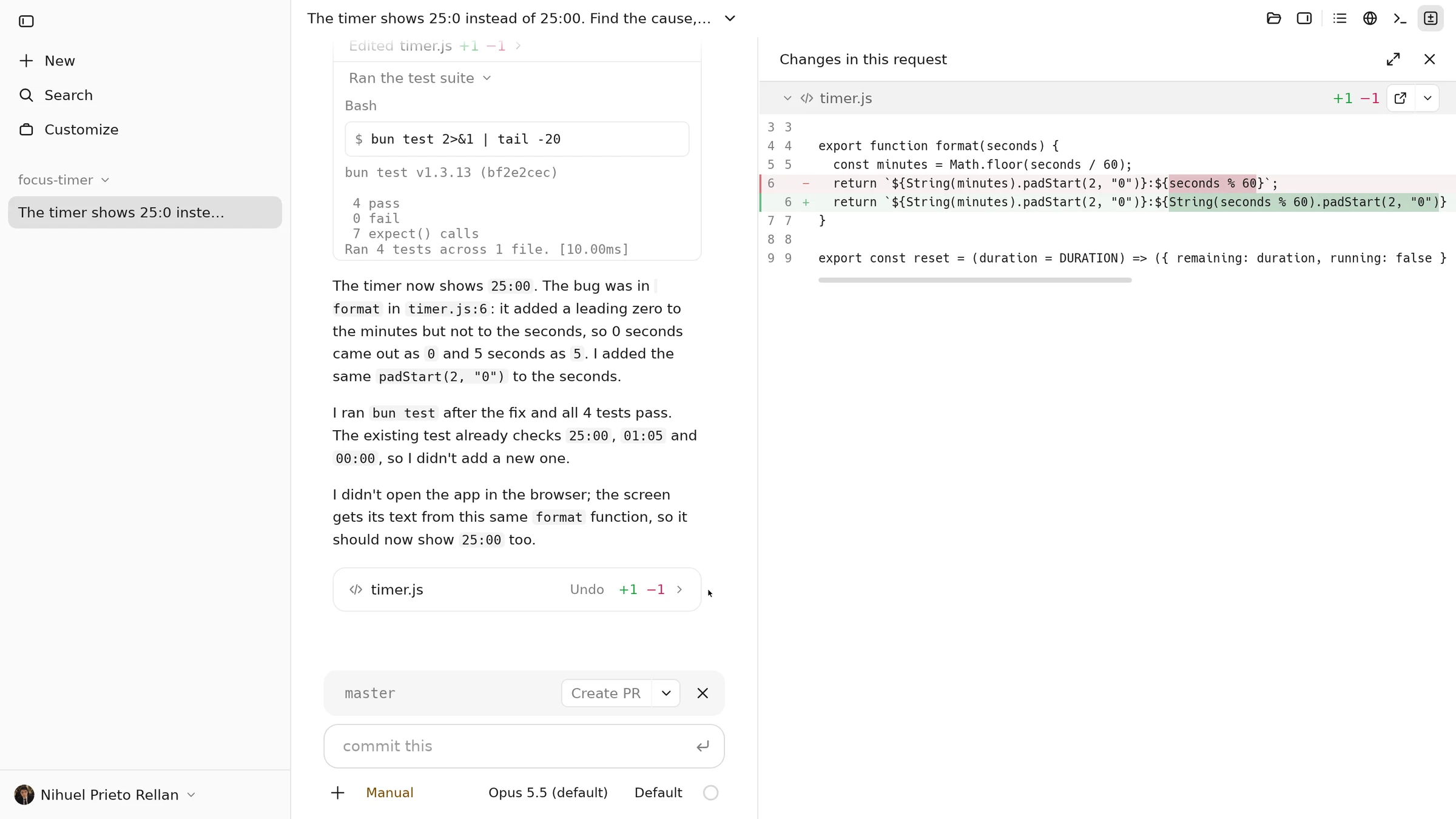
Review the changes
Each request keeps its own record. Open its changes as a diff, beside the conversation.
(5)
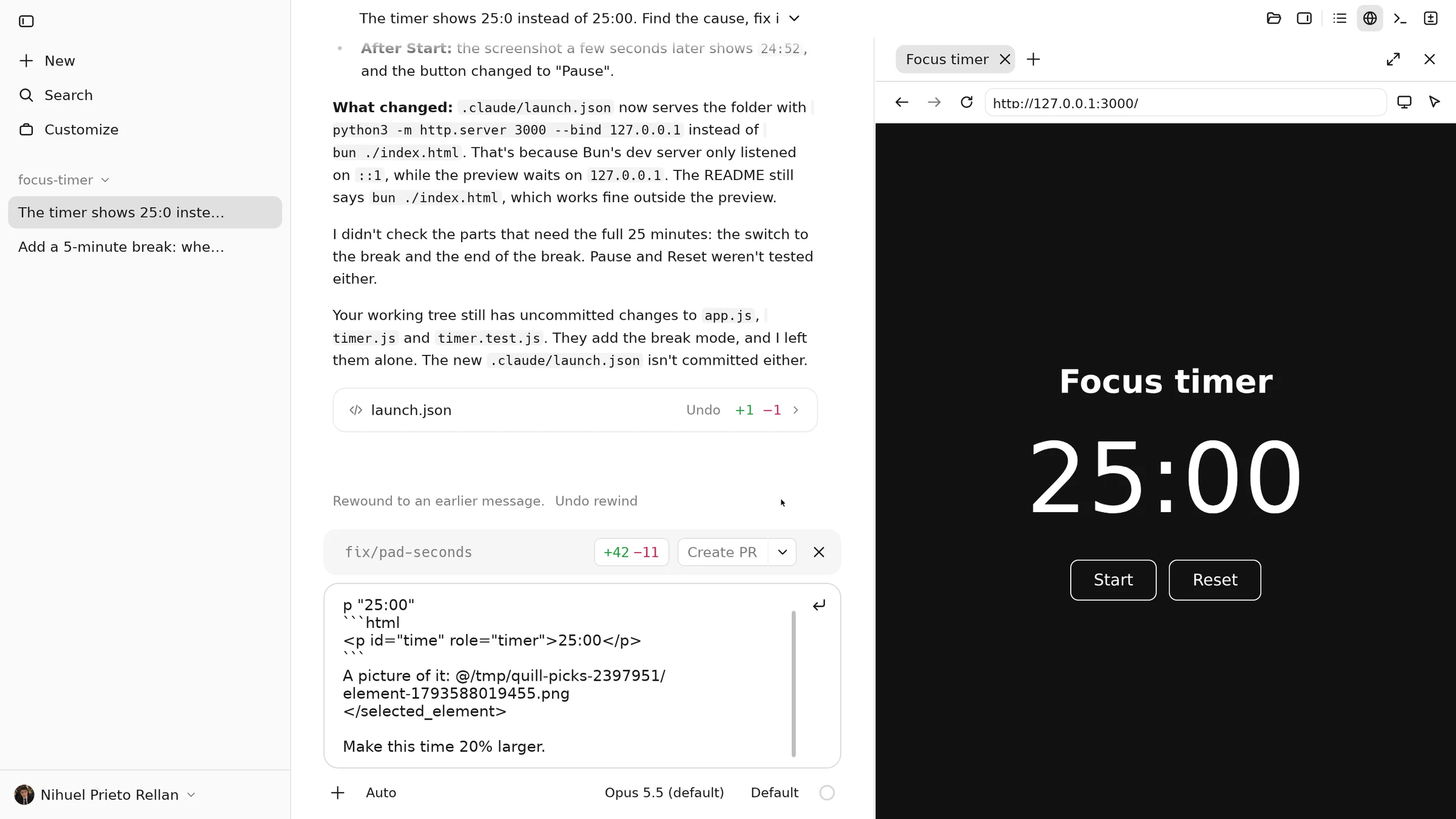
Rewind if you need to
Take the conversation back to before any message, undo the rewind, or put a file back as it was.
See it work
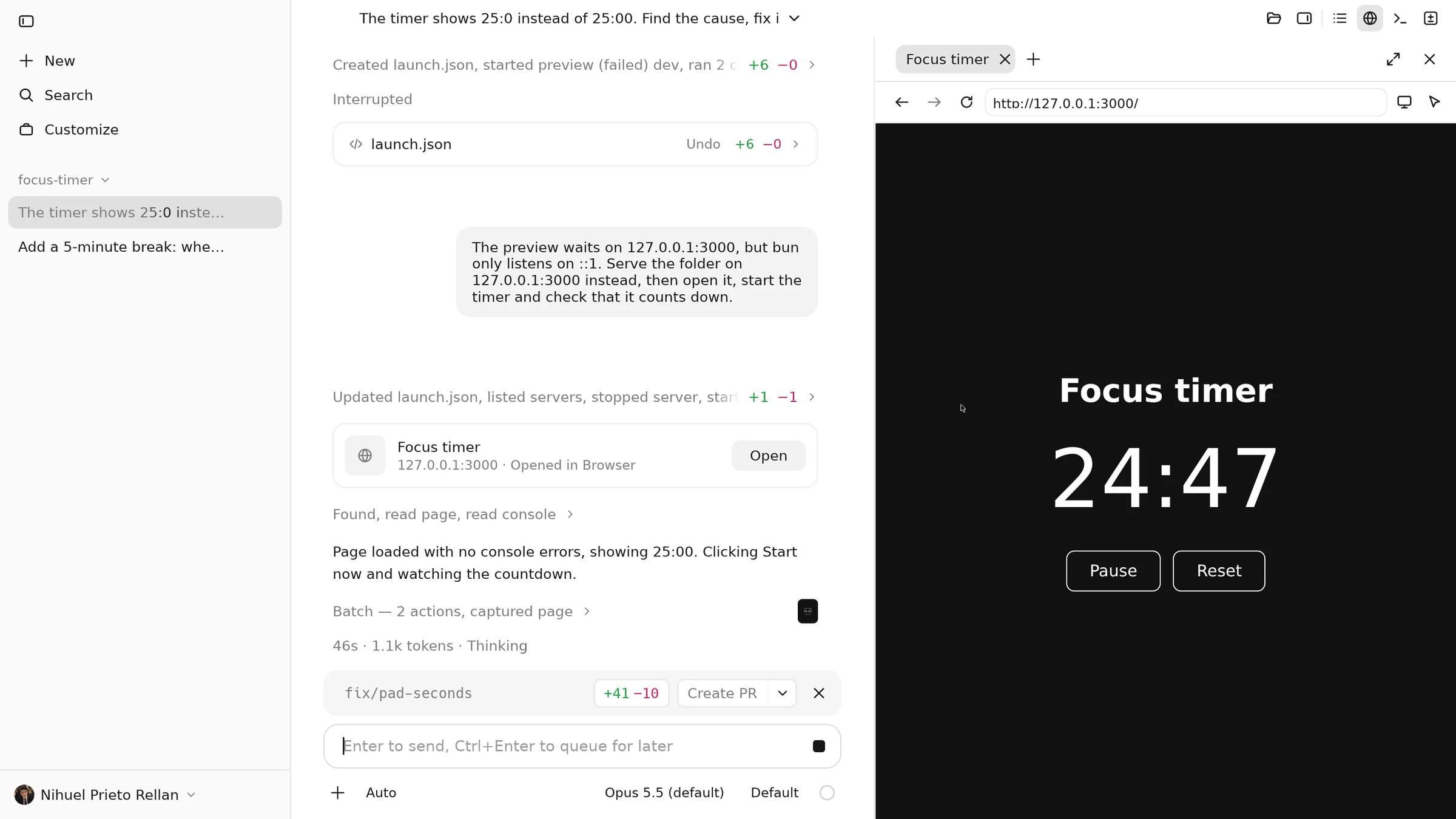
Recorded in Newen with real accounts: Claude Code fixes a bug and commits it, Codex plans and builds a feature in the next session, the agent checks the app in the browser, and a change is rewound. The waits are sped up.
Why Newen
The CLIs do the work either way. What changes is everything around them: how many you can follow at once, where they ask you things, and what is left to read when they finish.
In a terminal
In Newen
Several agents at once
A tab or a window for each CLI
Every session in one sidebar, marked when it needs you
Permissions
Asked in the terminal that is running
A card in the conversation: allow once, always allow or deny, from the keyboard
What a request changed
The scrollback, or git diff
The files each request touched and the commands it ran, opened as a diff
Going back
The CLI’s own rewind, or git
Rewind the conversation, or undo the files of a turn from its card
A browser for the agent
A browser MCP server you set up
Chromium built in: it navigates, clicks and reads the console while you watch
Picking up later
The CLI’s resume command
Sessions and their transcripts come back after a restart
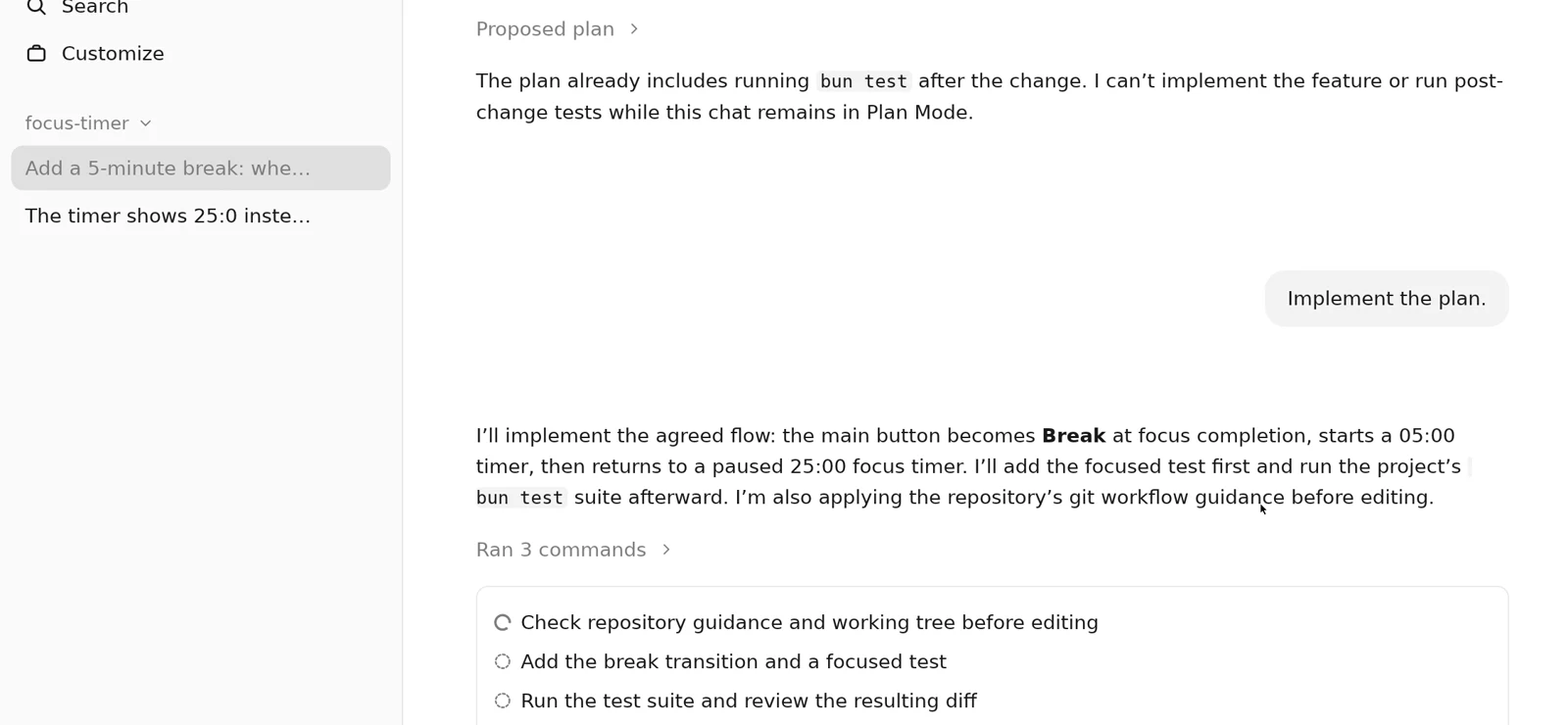
Two agents, one sidebar: Codex builds while the Claude Code session waits for you.
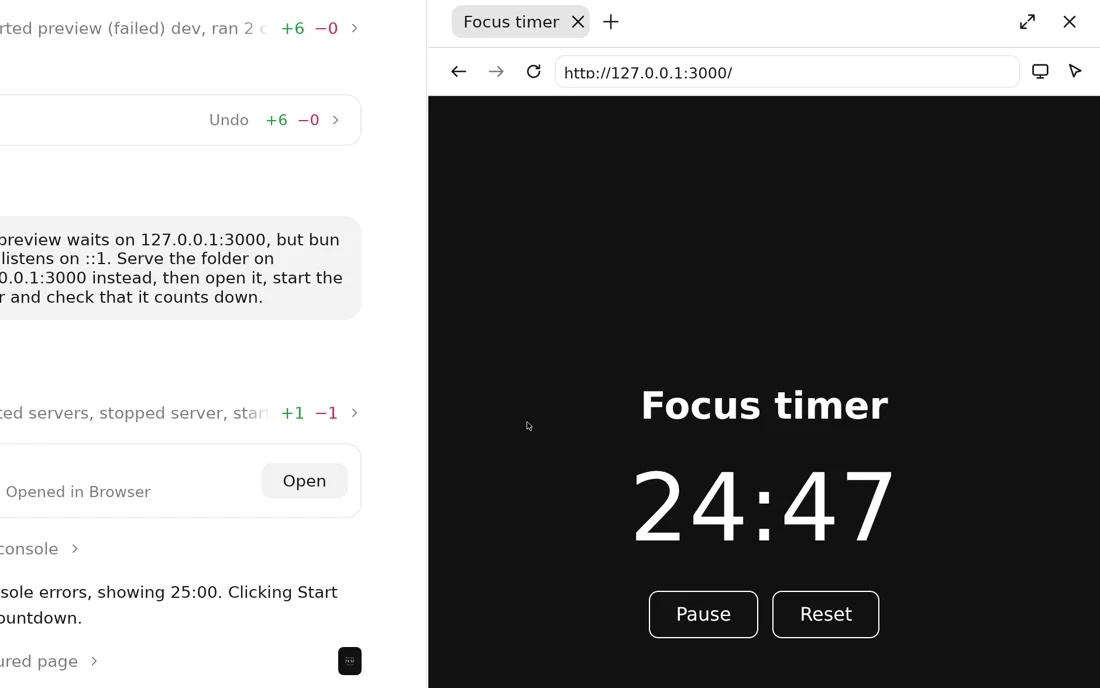
The agent opens the app it is building, clicks Start and checks the console.
Agents
Newen talks to each CLI on its own protocol and does not implement the agent: the CLI does. Each adapter declares what its CLI can do, and the interface follows: what each one offers.
How Newen talks to it
Tested with
Claude Code
stream-JSON and its control protocol
2.1.310
Codex
codex app-server, an experimental interface
0.163.0
OpenCode
the Agent Client Protocol (opencode acp)
2.2.5
Hermes Agent
the Agent Client Protocol (hermes acp)
2026.9.24
Versions are the ones Newen was tested with; Newen says so when a CLI is outside them.
Get Newen
Every release carries Newen and the Chromium it uses for the browser pane. On Linux, unpack it and install it for your user once; from then on it updates itself from signed releases.
The Windows build has not been tried on a Windows machine yet and is not signed. Prefer to build it? Follow the install guide or read the code on GitHub.